
Plan errands with Nearby
Nearby in Mement shows tasks with a saved location. Find what is close, choose the order of your stops and open the route in Apple Maps.
View on the App Store Plan three errands with Nearby and Apple Maps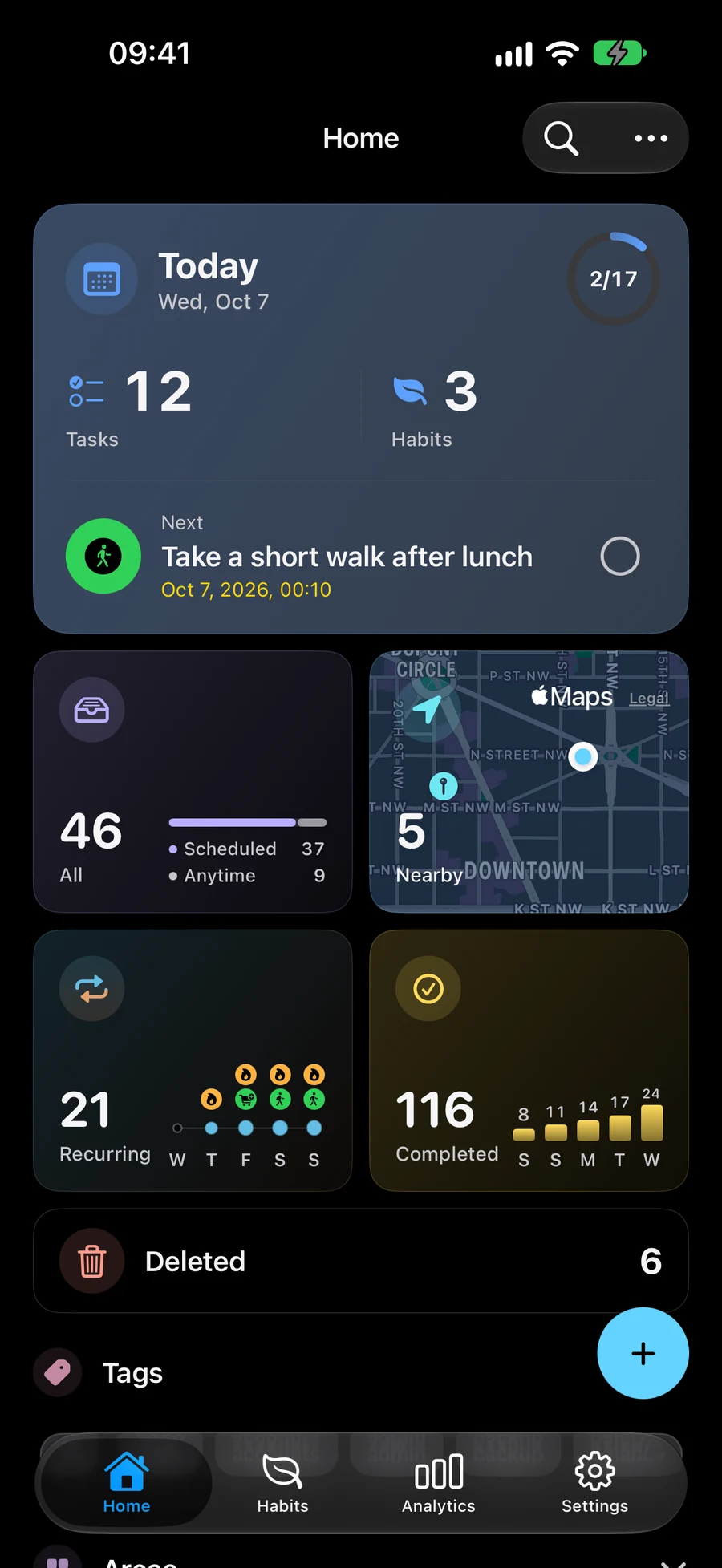
Find tasks with a saved location
Nearby shows active tasks with a saved location in your current Space. The nearest tasks appear first when your location is available. Use a radius filter to narrow the list. The map still shows all tasks with a location, even when the list is filtered. Tasks, Lists, Projects, Areas and Habits support files, photos and links. In item editors, Attach becomes Attached with previews; removal sits beside each row. Location is below the materials, with a small map and an optional full-screen view. Open materials from the editor or the record’s details. In “Attach”, tap “Arrive” or “Leave” in the location reminder title to choose when to be notified. “Arrive” is selected by default. Save keeps that choice; notification and location permissions still apply.
Choose which tasks appear nearby with SpacesChoose the order of your stops
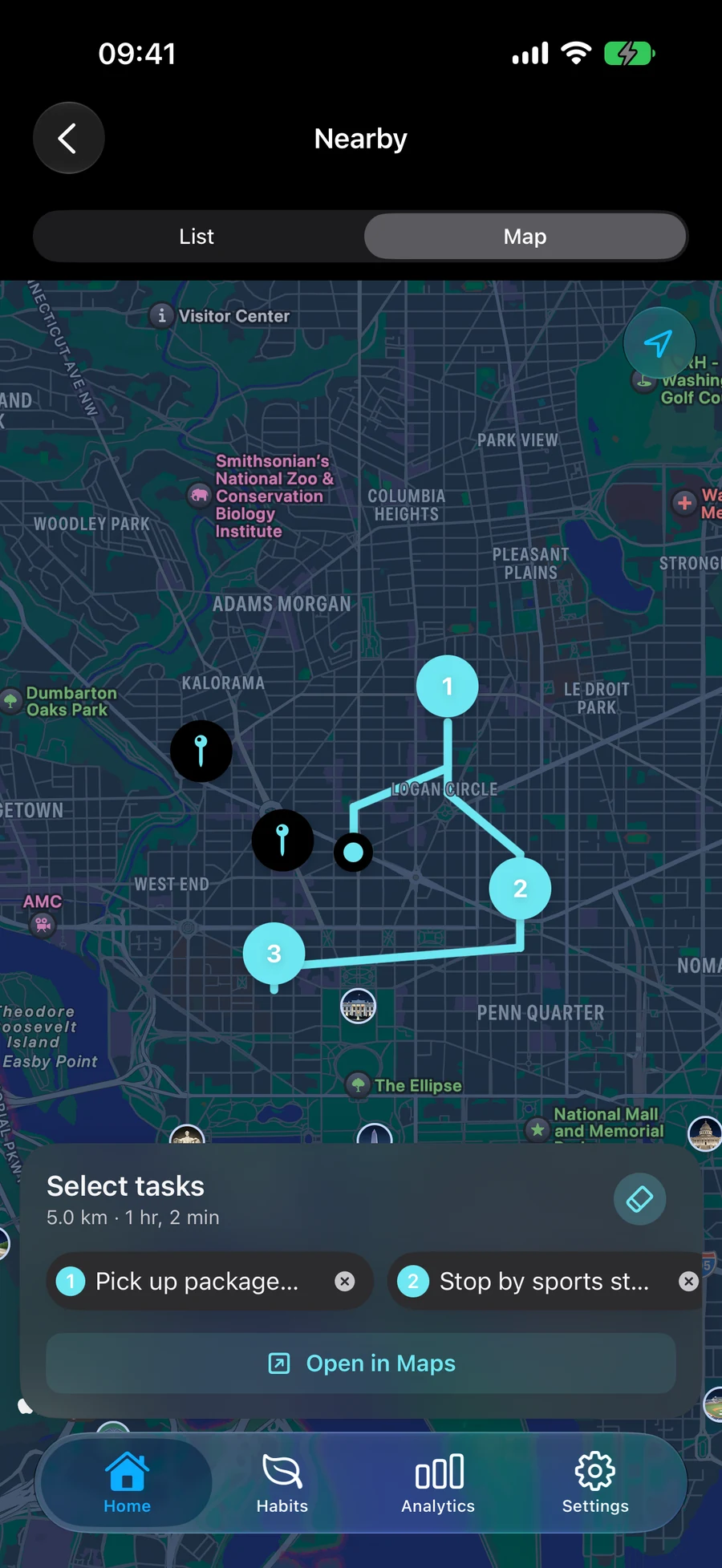
Select tasks on the map to build a route. The order you select them sets the stop order, which you can rearrange. Preview the driving route and open it in Apple Maps for navigation.
Take Nearby and Trip into CarPlayContinue a route and mark stops done
Reopen an active route to continue planning or mark a stop done. Completing one stop leaves the remaining route in place. On supported iPhone and iPad devices, arrival notifications can remind you about the relevant task when the required permissions are enabled.
Add dates and reminders to your tasksPlan three errands with Nearby and Apple Maps
Try a route with a library, a pharmacy and a grocery store. Nearby helps you choose tasks and the order of your stops; Apple Maps handles navigation. In “Attach”, tap “Arrive” or “Leave” in the location reminder title to choose when to be notified. “Arrive” is selected by default. Save keeps that choice; notification and location permissions still apply.
- Attach → Location. Create a Task for each errand and save its location. Open Nearby in the Space that contains those tasks. Allow location access when you want results based on your current position.
- Select the tasks on the map in the order you want to visit them. Your selection order sets the stop order; rearrange it when your plans change.
- Preview the driving route, then open it in Apple Maps. Mement uses the order you chose rather than automatically optimizing your stops.
- Reopen the active route as needed and mark each stop done after finishing the errand. Arrival reminders on supported devices depend on permissions; arriving does not automatically complete a Task.
Continue exploring
Frequently asked questions
Does Mement optimize my route or complete tasks on arrival?
You choose the stop order, and Apple Maps handles navigation. Opening a route or arriving at a place leaves task completion up to you.
What if location or notifications are unavailable?
Tasks with a saved location remain available without distance labels when your current location is unavailable. Arrival alerts require notification and location permissions on a supported device. Their timing and the number of monitored stops depend on system limits.
Plan your next route in Mement
Add locations to your tasks, choose your stops and open the route in Apple Maps.
View on the App Store