
Try it in Mement
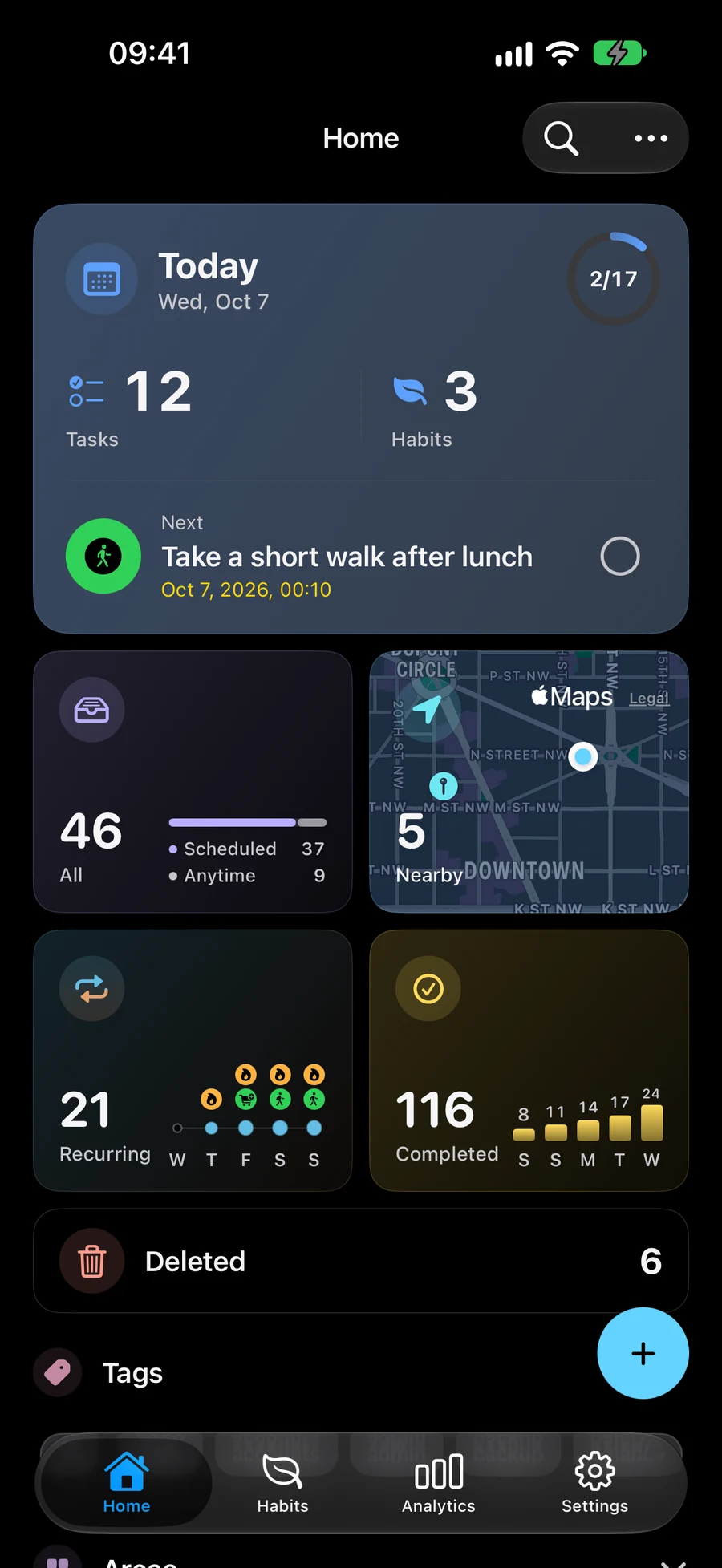
- Attach → Location. Create a Task for each errand and save its location. Open Nearby in the Space that contains those tasks. Allow location access when you want results based on your current position.
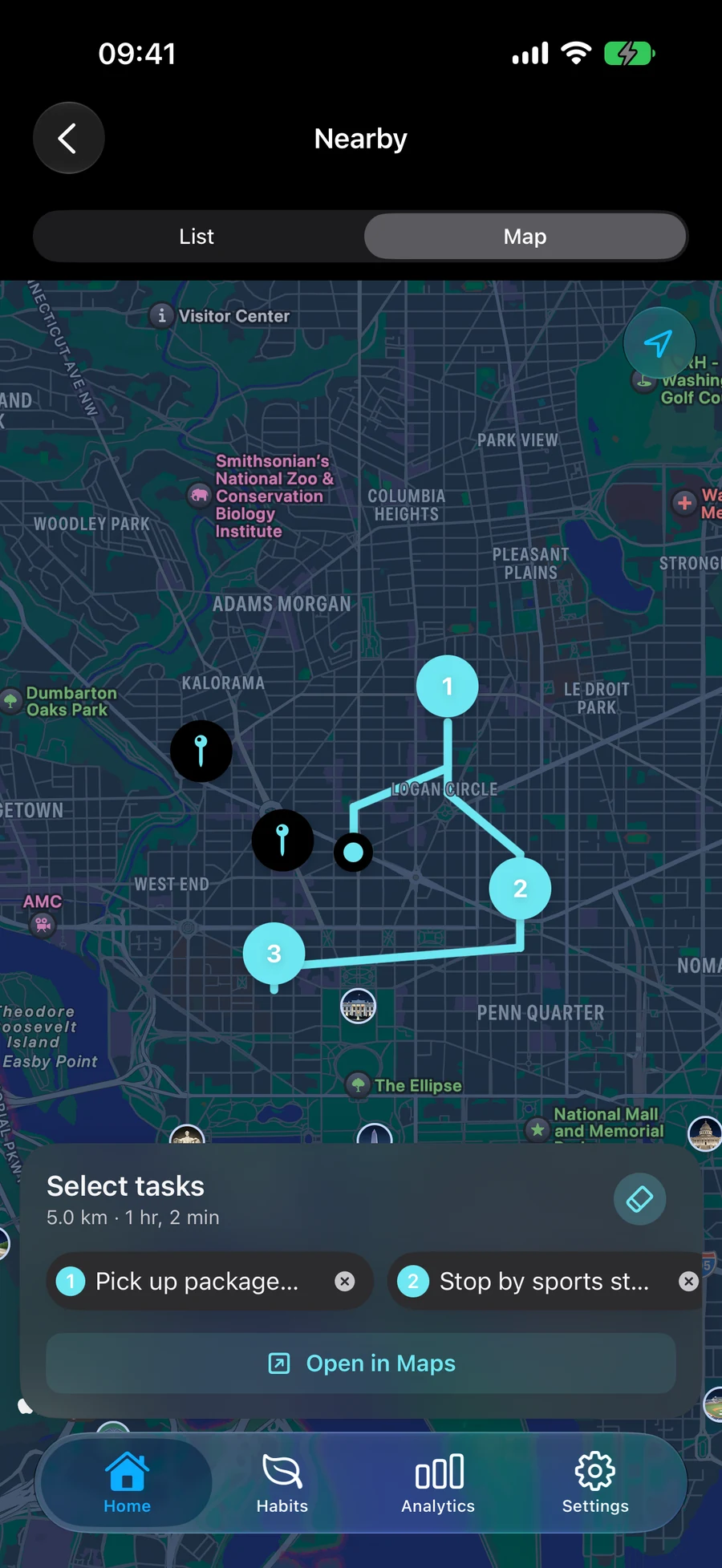
- Select the tasks on the map in the order you want to visit them. Your selection order sets the stop order; rearrange it when your plans change.
- Preview the driving route, then open it in Apple Maps. Mement uses the order you chose rather than automatically optimizing your stops.
- Reopen the active route as needed and mark each stop done after finishing the errand. Arrival reminders on supported devices depend on permissions; arriving does not automatically complete a Task.
Choose the library, pharmacy and grocery stops.
Save a location on a Task for each errand. Open Nearby in a Space that includes those tasks, then select the stops in the order you want to visit them. If the pharmacy must come first, change the order before opening navigation. Mement keeps your chosen sequence; it does not automatically optimise the stops. Preview the driving route, then hand it to Apple Maps for navigation.
Keep navigation and completion separate.
Location access is needed when you want results based on your current position. Supported arrival reminders also depend on the required permissions. Opening Maps, passing a location or arriving there does not mark an errand done. Reopen the active route when needed and complete each Task after the action is finished. If a task is missing from the map, check its saved location and whether the active Space includes it.
Before you finish
- Save the task locations and check the active Space.
- Review the stop order before opening Apple Maps.
- Mark each errand done after you finish it.