
Mement · AI in Mement
Turn an idea into a list of tasks.
Describe what you want to do, and Mement can generate a list with tasks. Review the suggestions, adjust the details and save the list. AI can also suggest details as you type, find related items and answer questions about saved plans. Generation and summaries use Apple Intelligence on a compatible device.
View on the App StoreAI list generation and Analytics narratives require Pro. Project and Area summary actions in Shortcuts also require Pro. Apple Intelligence needs a supported device, operating system and language, enabled intelligence and a ready model. Website language coverage does not determine model language support.
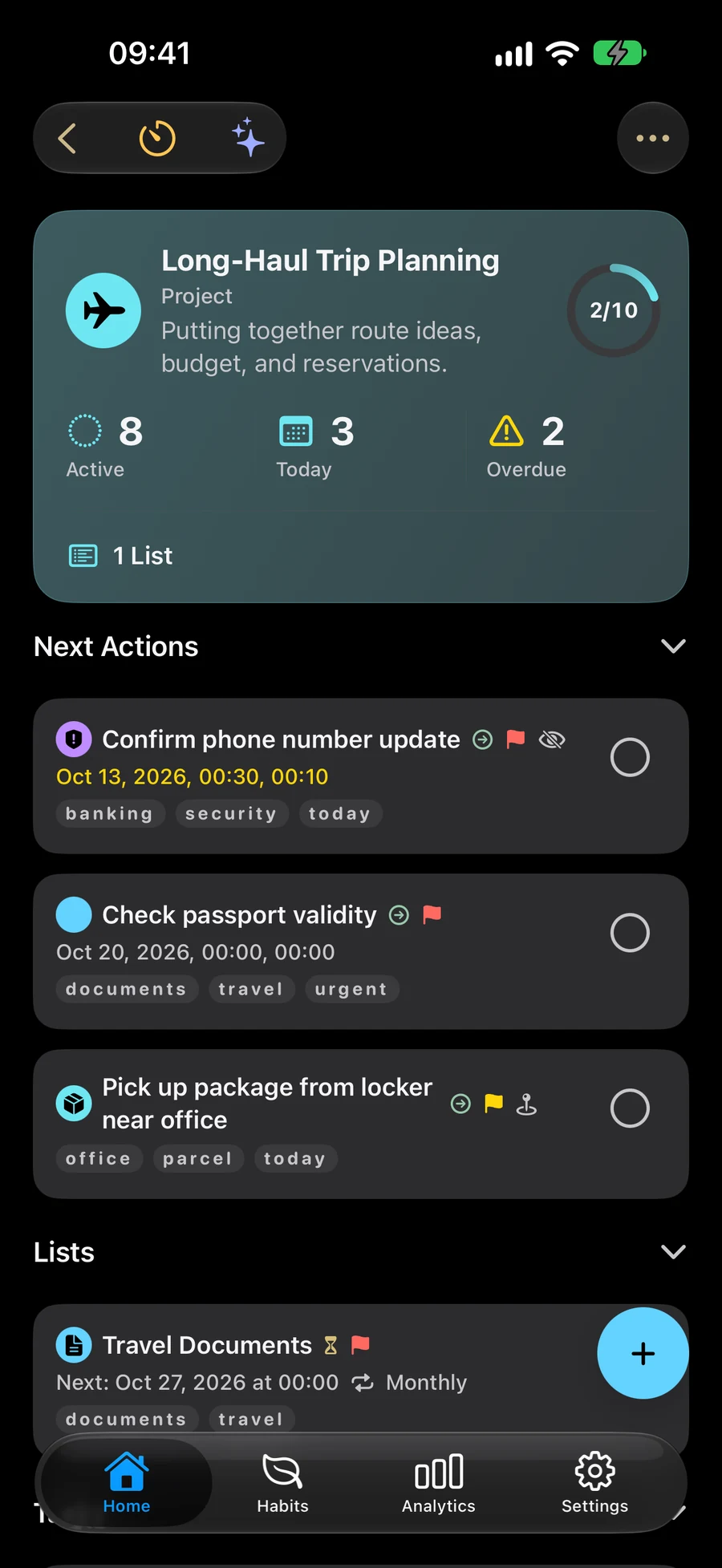
Generate a list from a title or description.
Create a List and enter its title or notes. For example, describe an apartment move, the date you hope to move and what you have already arranged. Start AI generation and answer clarification questions if more detail is needed. Mement proposes a list with tasks. Review it, edit the details or remove unsuitable tasks, then apply the result and save the list in the editor. Check dates, responsibilities and places yourself. A suggested place name does not set a verified map coordinate or arrival reminder. You can also generate starter tasks for an existing empty List.
Use suggestions while you write.
As you enter a title, Mement can recognize dates, tags and priorities and offer them as editable suggestions. On eligible devices, on-device intelligence can help interpret text that the built-in rules do not recognize. A description containing several actions may offer task splitting for review. Applying a suggestion fills the relevant editor fields; you can change them before saving. Automatic Suggestions also covers supported icon and parent-container suggestions. It has its own switch in AI Settings.
Ask about saved plans and find related items.
Search considers titles, notes, tags, place names, priority and related containers. Direct matches appear alongside clearly marked AI matches where supported. Open the record or use the actions available for that type, including Task completion and Sessions for eligible items. Ask Mement summarizes matching records from the device’s system index. An on-device language model can write the answer; a local results summary remains available when that model cannot be used. Protected content follows its own visibility rules.
Review a container or an Analytics period.
On an eligible device with Generative Features enabled, List, Project and Area details offer an on-device summary. The container needs at least one directly linked active or completed task to describe. You can review the summary, refresh it after changes or give a focus for refinement. Analytics has a separate Pro AI Narrative based on its metrics. Check generated text against the actual items. Project and Area summary actions in Shortcuts have their own Pro requirement.
Choose which intelligence features to allow.
Open Settings, General, AI Settings. The AI in Mement switch controls the group; Automatic Suggestions, Generative Features, Ask Mement and Semantic Search have separate switches. The status message explains whether the model is ready, still preparing, disabled or unsupported. Turning off generative features leaves ordinary editing and search available. List generation uses the title, notes and guidance you provide. None of these features needs a third-party online model.