
Try it in Mement
- Open the item you want to work on and choose Start Session. Habits also offer the Session action from their rows.
- Choose Timer for a planned countdown or Stopwatch to measure active time from zero. Set the countdown duration if needed and start.
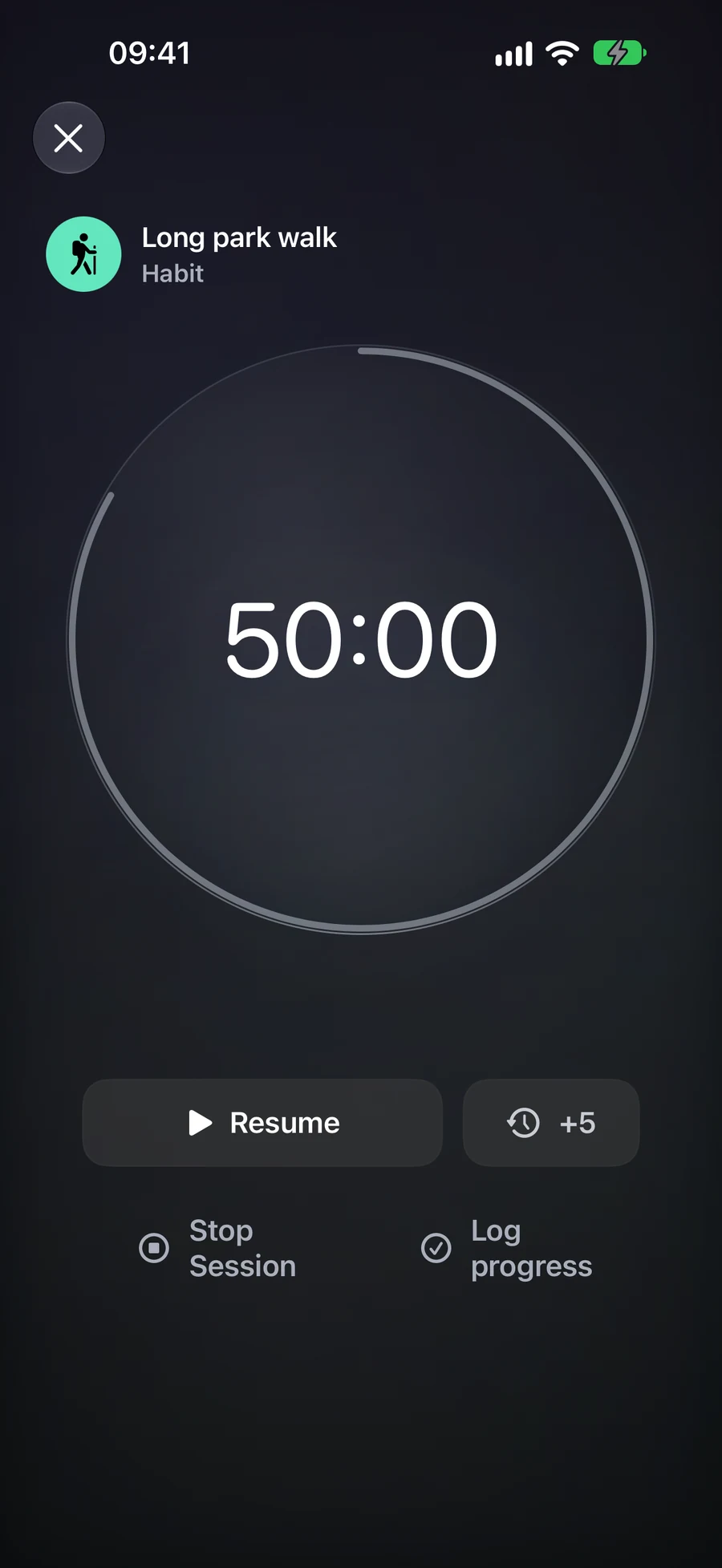
- Pause when interrupted and resume when ready. You can close the timer view and return through the current Session card on Home.
- At the end, choose Stop Session, a Task’s Complete Item, or the Habit’s Check in or Log progress according to the result you want to save.
Choose a timer or a stopwatch
For a 25-minute writing interval, open the Task and choose Timer with the 25-minute preset. Other presets are 15 and 45 minutes; a custom countdown can be 5 to 180 minutes. Start, pause for an interruption and resume. Paused time does not count toward active time.
At zero, the timer stops accumulating active time and waits for your decision. You can add five minutes, stop the Session or complete its Task. Adding time while paused keeps it paused; adding time after zero resumes the countdown. An unanswered countdown closes after its 15-minute completion window.
Stopwatch starts at zero and suits work whose duration you want to measure as you go. For a Duration Habit with a limit, it is the default mode: you can see elapsed practice or consumption without treating the target as an automatic success. It has no add-time or countdown-zero step. Both modes have an eight-hour lifetime from the original start, including pauses.
Choose what the ending should record
Stop Session records the end of the interval and leaves the item unfinished. For a Task, Complete Item uses the Task’s ordinary completion rules and ends the Session. Reaching zero alone does not complete the Task. A List, Project or Area Session offers Stop Session, which leaves the container and its contents unchanged.
For example, you may spend 25 minutes on a Project containing several Tasks, then stop without declaring the Project finished. You can complete an individual Task through its normal screen when it is actually done. A Session helps record the interval; it does not decide which commitments you fulfilled.
A Habit Session offers its own progress action. A check-in Habit records the practice. A Duration Habit opens Log progress with active minutes suggested for confirmation. Count and Quantity need values in their own units; time is not converted into pages or repetitions. With a checklist, finish the actions first. Cancelling the checklist or numeric log leaves the Session available to retry; Stop Session records no Habit progress.
Return to the same Session
One Session can be current for your iCloud account. If you start from another item, Mement asks what to do with the existing Session before starting the new one. Home, the full timer, widgets and supported Live Activities show that Session, so opening it again does not create another timer.
With iCloud available, another device can open, pause, resume or stop the same Session after changes arrive. The local timer remains usable offline and synchronizes later. A Live Activity is created on its device: syncing Session state does not automatically create a new Live Activity on every other device.
Analytics reports active time, completed Sessions, item outcomes and average duration. Sessions shorter than one active minute stay out of the metrics. A stopwatch contributes time but has no planned-duration success rate. Session minutes do not directly add points to Productivity Score; completing a Task still affects ordinary Task statistics.
Before you finish
- Before starting, confirm the Session is linked to the right item and uses Timer or Stopwatch as intended.
- After a pause, check that the timer resumes from the retained value.
- When finishing, choose deliberately between stopping time, completing a Task and logging a Habit.