
Mement · Sessions
Make time for the work in front of you.
Start a Session from a task, list, project, area or habit. Choose a countdown for a planned interval or count up to measure elapsed active time. The timer stays linked to that item, so you can return to it from Home.
View on the App StoreSessions are free. Cross-device continuation uses iCloud; widgets, Live Activities and notifications depend on the device, system and permissions.
Choose how to measure the interval.
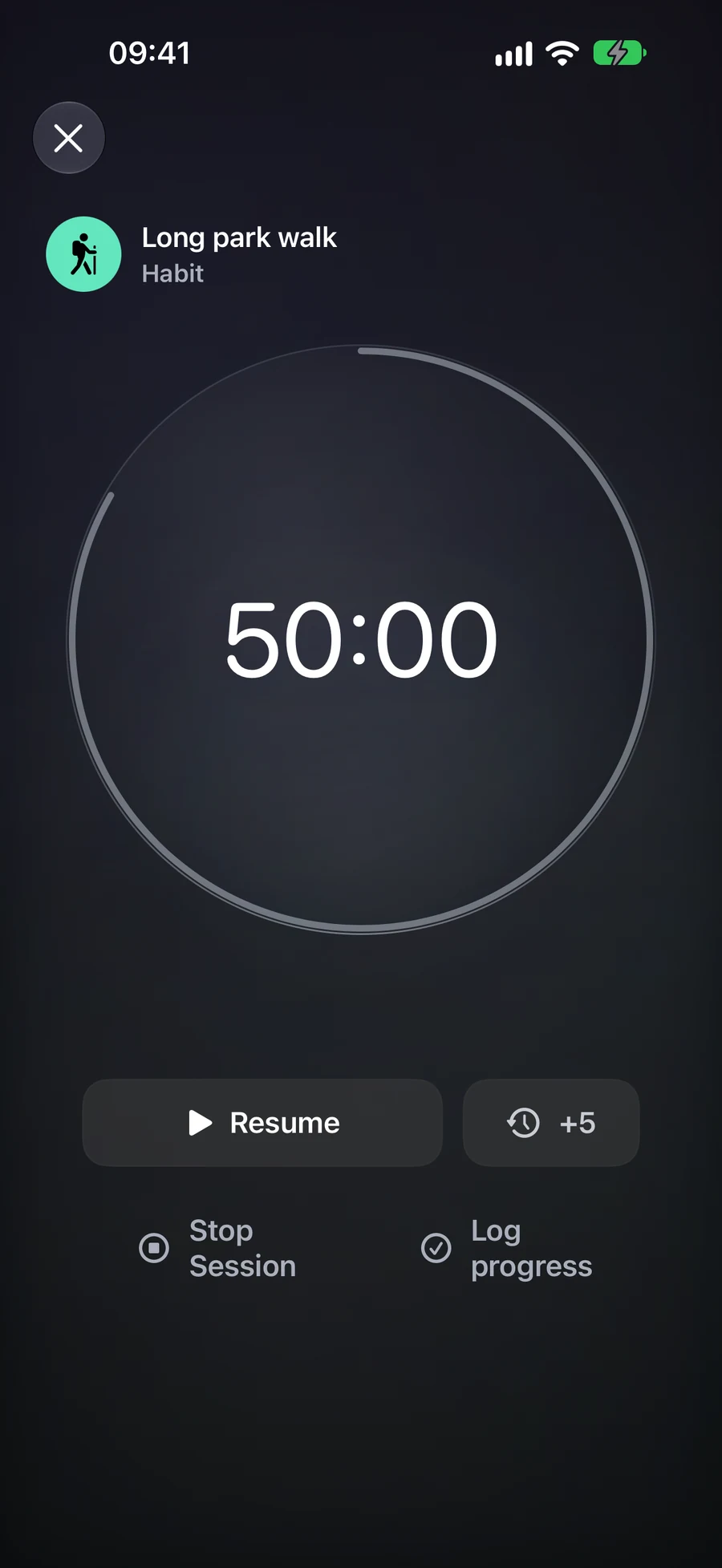
Count down accepts 5 to 180 minutes, including 15-, 25- and 45-minute presets. Count up starts at zero. Pause when interrupted and resume when ready; paused time does not count. Close the timer to leave the Session running.
Decide what to record.
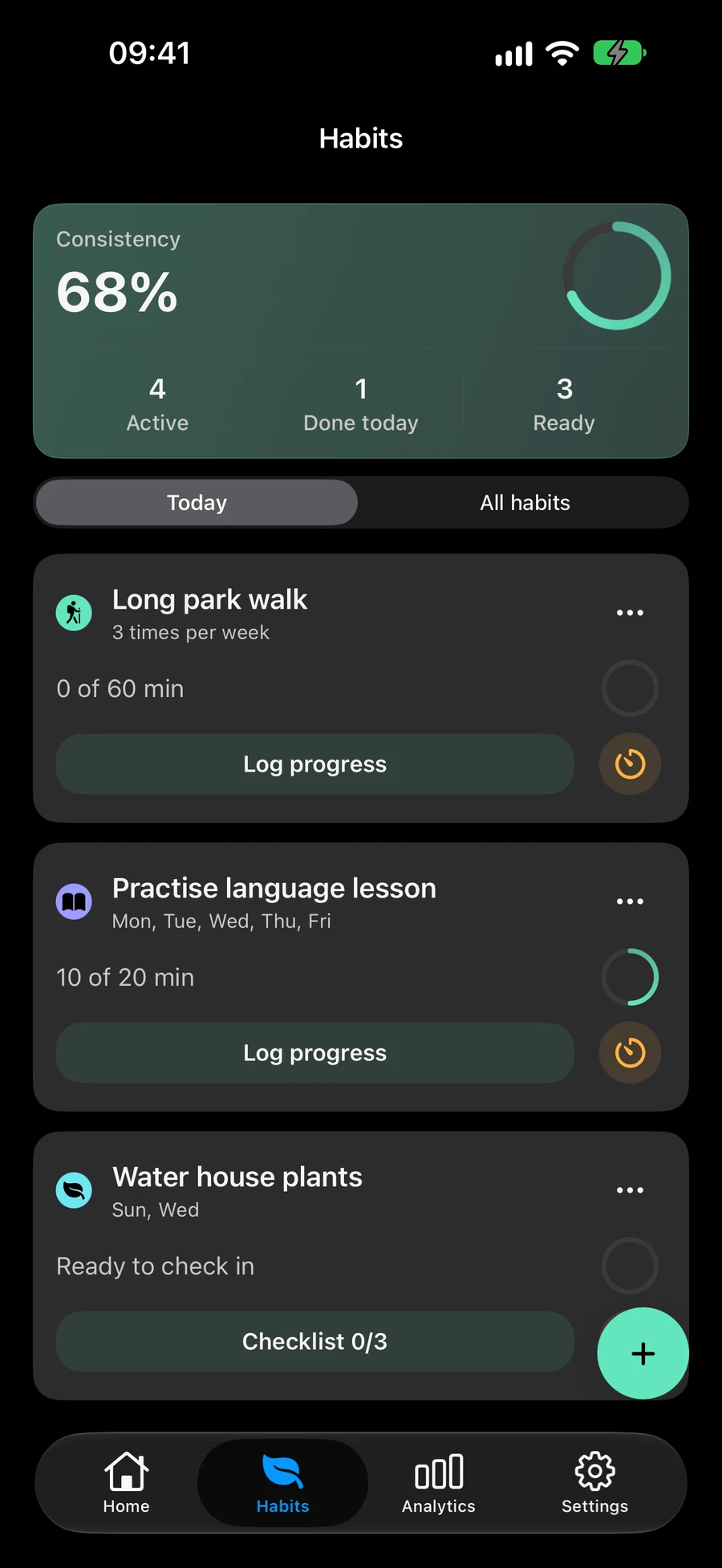
Stop Session ends the timer and leaves the item unfinished. For a task, Complete Item records completion and ends the Session. A habit offers Check in or Log progress; a duration habit opens its log with active minutes prefilled for confirmation. Pressing Stop Session ends the timer without recording habit progress.
Continue on another device.
There is one current Session for your iCloud account. Starting another asks you to resolve the existing one. Changes reach other devices after iCloud delivers them. The local timer remains usable offline; cross-device controls need synchronisation.
Handle the end of a countdown.
At zero, active time stops. You can add five minutes, stop, or complete the linked task. Reaching the time limit does not finish the item automatically. A countdown closes after its 15-minute completion window if you leave it unanswered. Every Session has an eight-hour lifetime from its original start, including pauses, so end or restart longer work deliberately.
Review how you used the time.
Analytics shows active time, completed Sessions, completion rates and items completed during Sessions. Sessions under one active minute do not affect these metrics. Timer minutes do not directly add Productivity Score points.