
Try it in Mement
- Create a Task named “Return the library book”.
- Choose a day in Date & Time. Add a time if useful, allow notifications, then save.
- Create a “This week” List and select it as the task’s parent.
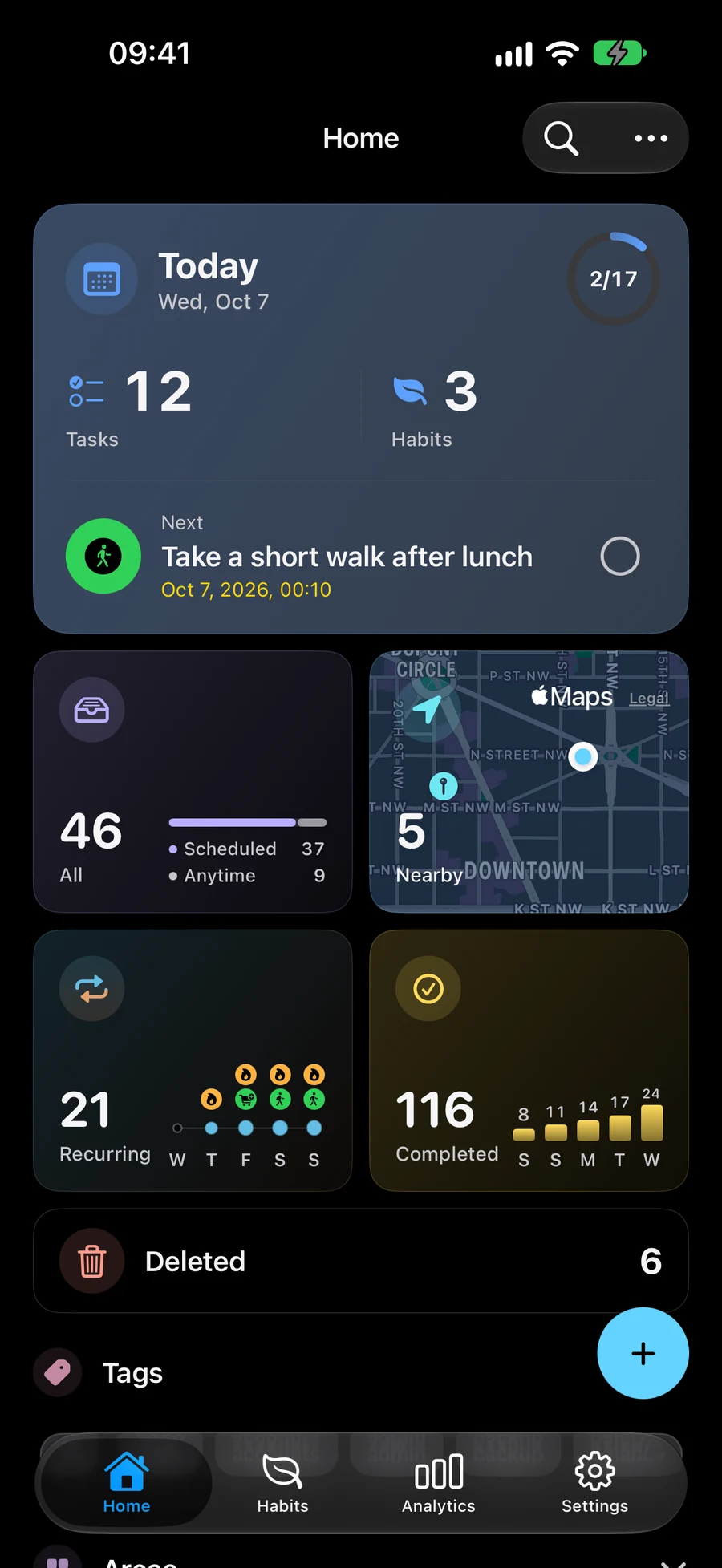
- Open the task from Home or Today. Mark it done after returning the book.
Leave room for later.
A task needs no date, parent or GTD status choice. Add structure when it helps.
Choose your next experiment.
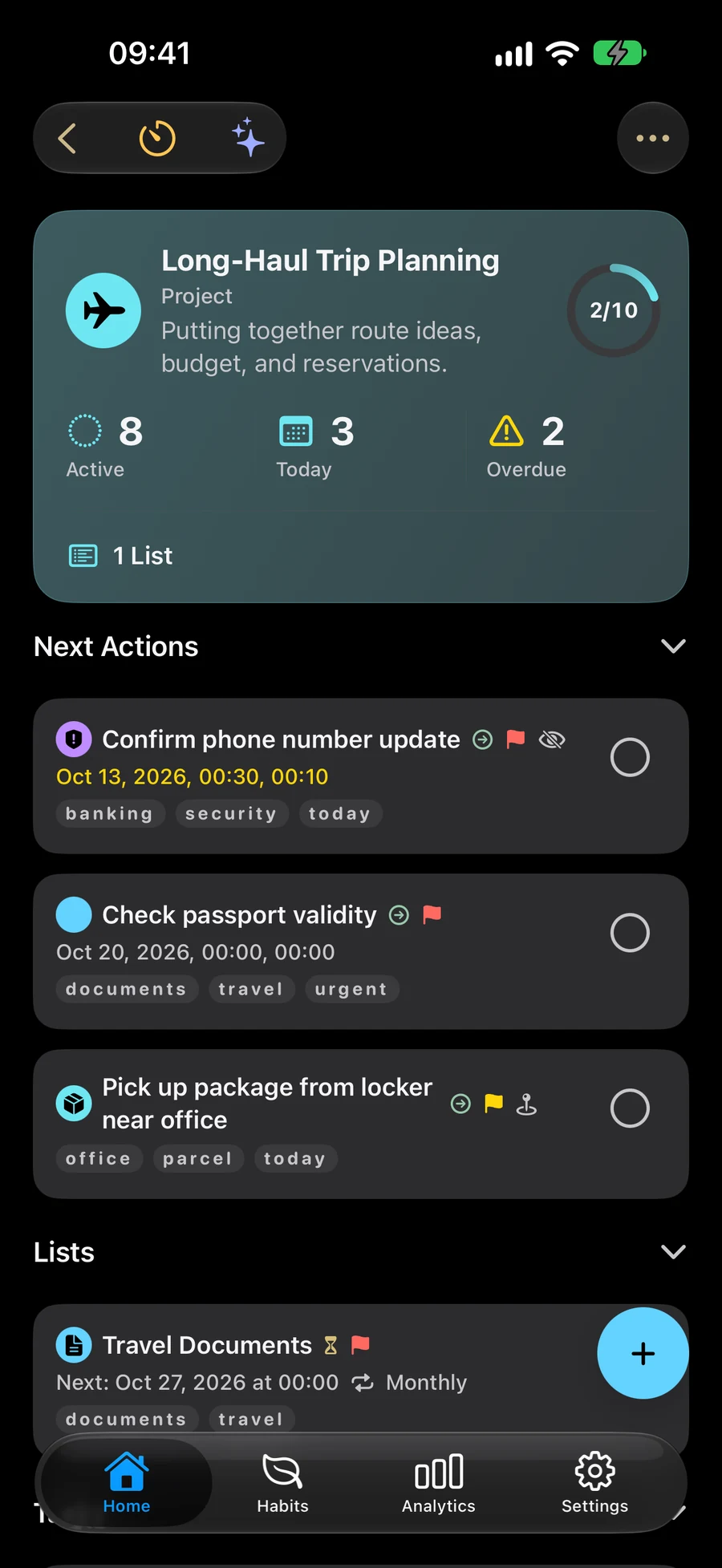
Try a Habit, Session or Project. Enable optional GTD for clarifying and reviewing commitments.
Before you finish
- Save the task.
- Check notification permission if you expect a reminder.
- Complete it after doing the action.