
Keep your plans together across Apple devices
Sync plans through iCloud and use supported widgets, Shortcuts and CarPlay actions. Explore the same tasks and projects in Big View on Apple TV.
View on the App Store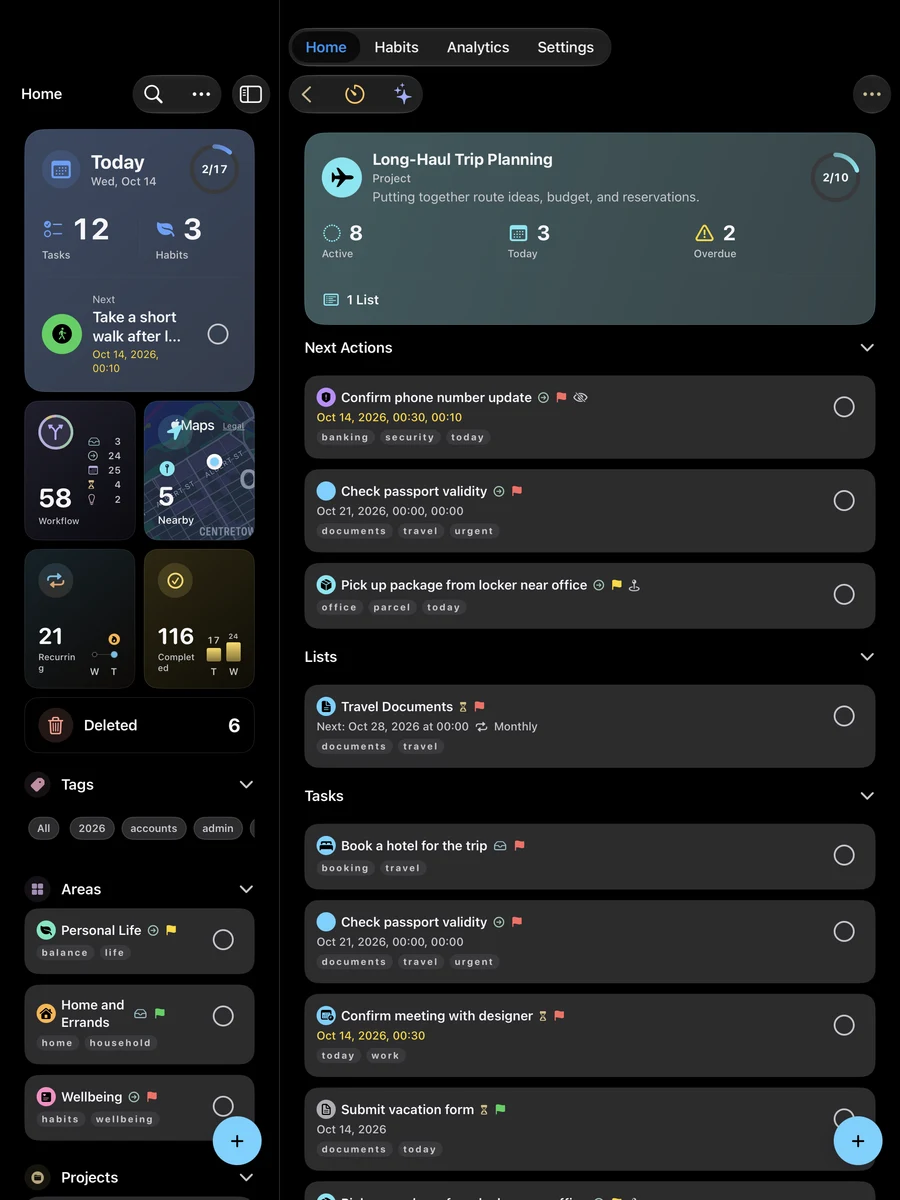
Where you can use Mement
Choose the device that fits how you plan. The interface and controls adapt to each platform.
-
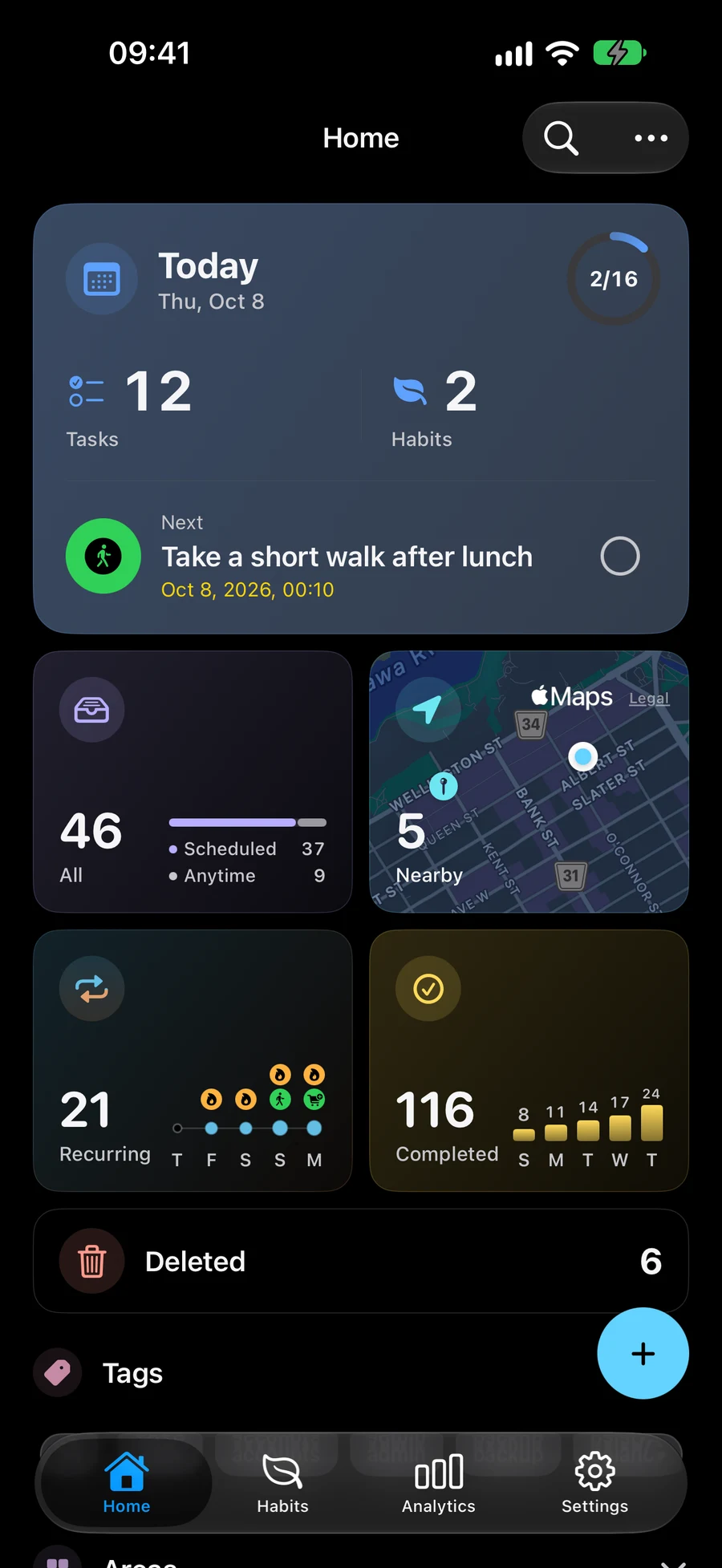
iPhone
Capture tasks, track habits and keep today’s plans with you.
-
iPad
Plan on a larger screen, with your lists and item details side by side.
-
Mac
Keep your tasks, projects and habits open alongside your work on Mac.
-
Apple Vision Pro
Organize your plans in the visionOS app and explore their structure in Big View.
-
Apple TV
Explore and organize tasks, lists, projects and areas in Big View with the Siri Remote.
Features vary by device, operating system and permissions. Check the App Store for current compatibility requirements.
Use widgets and follow your Session
See tasks, habits and your current Session in supported widgets. Follow a Session through Live Activities and Dynamic Island where available.
Follow GTD next actions in widgets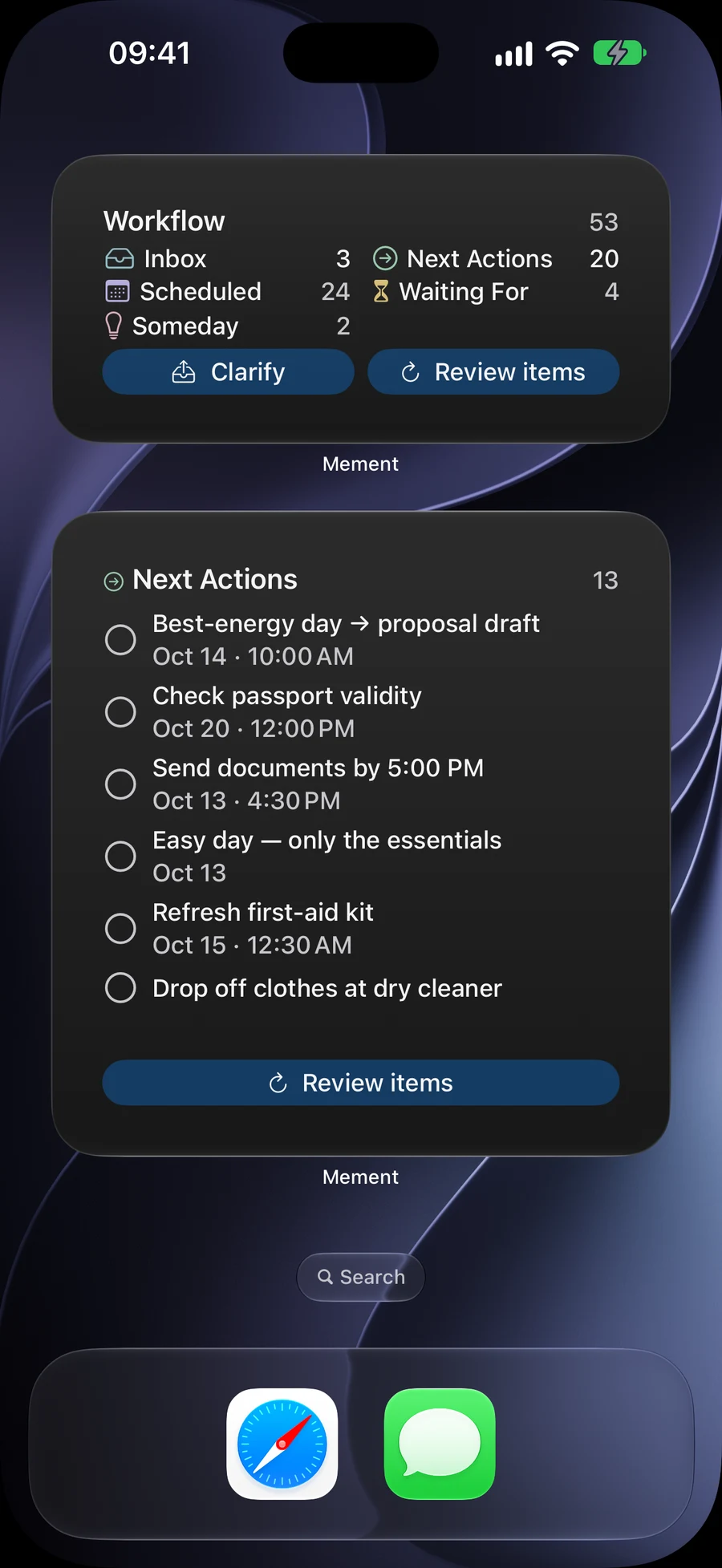
Use Shortcuts, Reminders and Messages
Use Mement’s Shortcuts and App Intents for personal automations. Import and sync supported tasks with Apple Reminders, or share a Task card in Messages. Expand the Mement editor in Messages to add files, photos, links or a place through Attach. A Task with files or photos is sent as one .mementtask file; smaller link/location-only Tasks can use the interactive card. The recipient needs the updated Mement app to open the file, review its materials and save the Task. Transfer supports up to 12 materials and 25 MiB of binary data in total. If sharing fails, the draft remains available for retry.
Organize the tasks you use in ShortcutsAsk questions and plan stops in CarPlay
Ask Mement about your saved information by voice, find nearby tasks and arrange stops for a trip. Open your chosen route in Apple Maps. Voice requests use on-device speech. Prepare permissions and language support on your iPhone before driving.
Plan the stops for your trip in NearbyKeep plans in sync through iCloud
Sync your records privately through iCloud across supported devices. You do not need a separate Mement account. On Apple TV, you can explore the same tasks, lists, projects and areas in Big View.
Explore Big View across devicesContinue exploring
Frequently asked questions
Is CarPlay available?
Yes. On a compatible iPhone with iOS 26.4 or later, Mement offers Ask Mement, Nearby and Trip in CarPlay. Prepare voice permissions and supported language assets in Settings → General → CarPlay on your iPhone before driving. Apple Maps handles navigation; you decide when a task is complete.
Why is a widget showing old data?
Open Mement to refresh its data, then give the system time to update the widget. If it still shows old data, remove the widget and add it again.
Do all devices have the same features?
The interface and available integrations vary by device and operating system. The Apple TV app focuses on Big View: explore and organize tasks, lists, projects and areas with the remote. Widgets, CarPlay and other system features are available on their supported devices.
Use Mement on your Apple devices
Check the App Store for current device and system requirements.
View on the App Store